PRODUCT INFORMATION
Product Overview
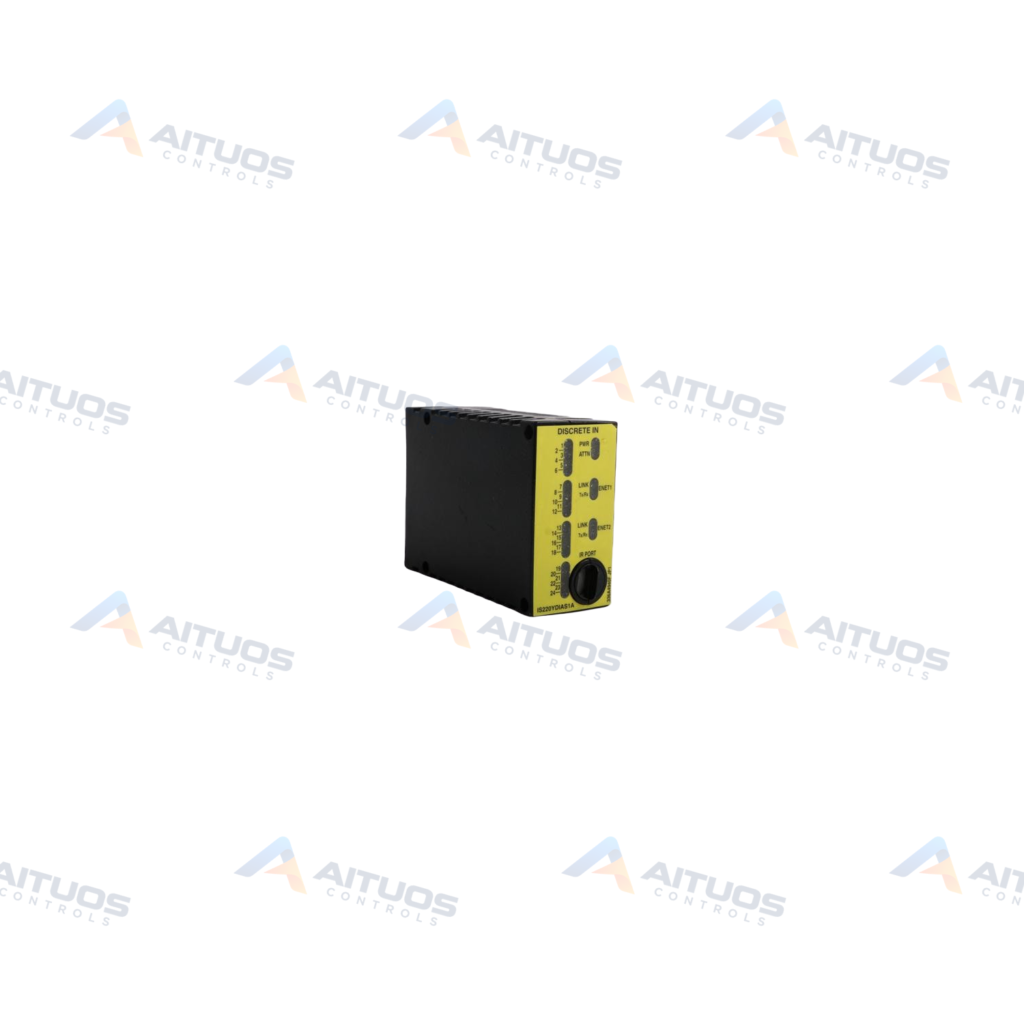
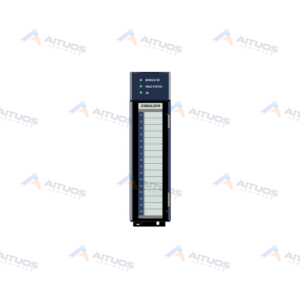
The General Electric IS220PSVOH1A is a Mark VI / Mark VIe PSVO Servo Control Module. It provides an electrical interface between I/O Ethernet networks and a TSVO servo terminal board. This pack operates within steam and gas turbine systems using Speedtronic control technology. The pack works with the WSVO driver module to regulate two servo valve position loops.
The internal processor board includes flash memory, RAM, local power supplies, and input power connectors. An onboard internal sensor provides continuous temperature monitoring. Diagnostic faceplate LEDs display status for ENet1, ENet2, Power, Attention, and ENA1/2. The unit connects to an acquisition board and features conformal coating protection. ToolboxST software enables auto-reconfiguration or manual reconfiguration when replacing hardware.
TECHNICAL DATA
Technical Specifications
| Parameter | Specification |
|---|
| PCB Coating Style | Conformal Coating |
|---|
| Assembly Type | IS220 Special Assembly |
|---|
| Total Outputs | 2 Outputs |
|---|
| Control Style | Servo Control |
|---|
| LVDT Inputs | 8 Inputs |
|---|
| Pulse Rate Inputs | 2 Pulse Rate Inputs |
|---|
TECHNICAL INFORMATION
Features
- Provides an electrical interface between dual Ethernet networks and a TSVO terminal board.
- Uses the WSVO driver module to regulate two servo valve position loops.
- Includes eight LVDT inputs and two pulse rate inputs.
- Features an onboard processor with flash memory, RAM, and internal temperature monitoring.
- Contains front panel diagnostic LEDs for ENet1, ENet2, Power, Attn, and ENA1/2.
- Applies conformal coating to protect internal printed circuit boards.
TECHNICAL INFORMATION
Applications
- General Electric Mark VI and Mark VIe turbine automation platforms.
- Electro-hydraulic servo valve position regulation on steam and gas turbines.
- Speedtronic turbine system control loops.
TECHNICAL INFORMATION
Connections / Interfaces
- Dual I/O Ethernet network interfaces labeled ENet1 and ENet2.
- Direct electrical interface to the TSVO servo terminal board.
- Internal interface connecting the processor board to an acquisition board.
- Input power connectors on the processor board.
- Single infrared port that is not used in this pack.
TECHNICAL INFORMATION
Installation Guidelines
- Mount the pack directly onto the compatible TSVO terminal board.
- Ensure proper mechanical seating before tightening retaining screws.
- Connect system Ethernet communication lines to designated network ports.
TECHNICAL INFORMATION
Configuration Guidelines
- Configure module parameters using the ToolboxST Component Editor application.
- Enable auto-reconfiguration within ToolboxST for automated setup during pack replacement.
- Perform manual reconfiguration through the Component Editor when replacing a terminal board.
TECHNICAL INFORMATION
Compatibility
- General Electric Mark VI and Mark VIe turbine control systems.
- TSVO servo terminal boards.
- WSVO servo driver modules.
- ToolboxST Component Editor configuration software.
COMPATIBILITY
Compatibility & Replacement
COMPATIBLE MODELSGeneral Electric Mark VI and Mark VIe turbine control systems. TSVO servo terminal boards. WSVO servo driver modules. ToolboxST Component Editor configuration software.
Verify compatibility against the exact Part Number, revision and manufacturer documentation before ordering.
PART VERIFICATION
Before You Order
Industrial automation parts can share similar model names, suffixes and revisions. Confirm the complete manufacturer Part Number before purchase.
01Check Part NumberMatch the complete ordering code on the existing unit.
02Confirm RevisionCheck suffix, hardware or firmware when applicable.
03Send a Label PhotoWe can review a clear label photo when identification is uncertain.
ORDERING PROCESS
From RFQ to Dispatch
1Submit Part Number2Verify Product Identity3Confirm Stock & Condition4Issue Quotation5Dispatch & Tracking
PRODUCT FAQ
Frequently Asked Questions
What is the primary function of the IS220PSVOH1A module?
It interfaces Ethernet networks with a TSVO terminal board to control two servo valve loops.
What diagnostic LEDs are present on the IS220PSVOH1A faceplate?
The faceplate includes LEDs for ENet1, ENet2, Power, Attn, and ENA1/2.
Can the IS220PSVOH1A module be auto-reconfigured upon replacement?
Yes, auto-reconfiguration can be enabled in the ToolboxST Component Editor.
Does replacing the TSVO terminal board require manual configuration?
Yes, replacing the terminal board requires manual reconfiguration through ToolboxST.