PRODUCT INFORMATION
Product Overview
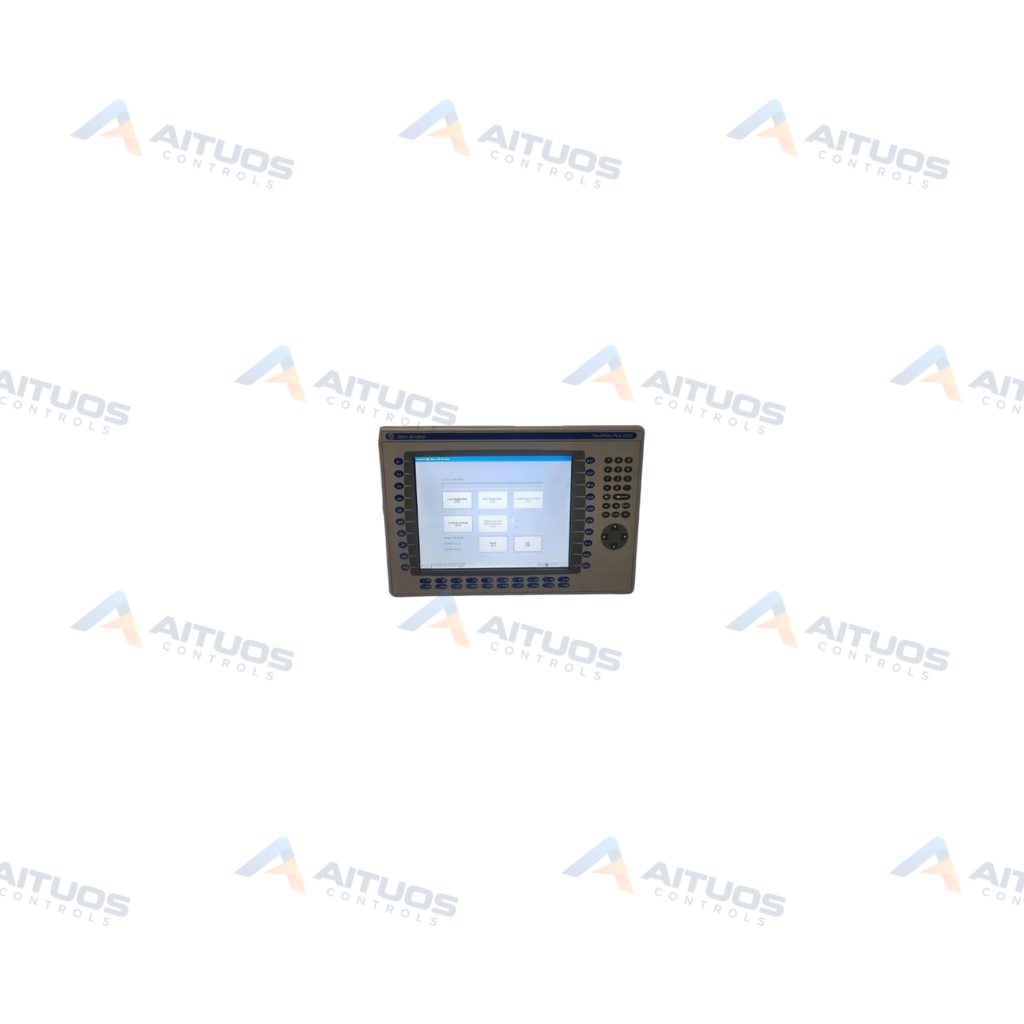
The Allen-Bradley 2711P-RN15S is a ControlNet communication adapter designed for PanelView terminals. It connects directly to PanelView Plus and PanelView Plus CE operator terminals. Compatible display sizes range from 7 inches to 15 inches across the 700 to 1500 terminal families. The module mounts directly on top of the terminal logic module to add network communication capability.
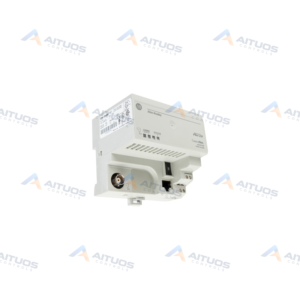
This communication adapter uses the Common Industrial Protocol to combine input and output network functionality. It provides two ControlNet ports for media redundancy along with an RJ45 network access port. The hardware supports scheduled and unscheduled messaging across nodes 1 through 99. It communicates with the host controller through standard input and output data structures.
TECHNICAL DATA
Technical Specifications
| Parameter | Specification |
|---|
| UPC | 781180181474 |
|---|
| Weight | 1.19 lbs (0.54 kg) |
|---|
| No. of ControlNet ports | Two (2) |
|---|
| No. of Network Access Port (NAP) | One (1) |
|---|
| Supported Messages | Scheduled and unscheduled |
|---|
| ControlNet media | 1786-RG6/A and 1786-RG6F/B |
|---|
| ControlNet Redundancy | Supported |
|---|
| No. of Nodes | 1-99 |
|---|
| NAP cable | 1786-CP |
|---|
| Removal and Insertion under power | Not supported |
|---|
| Retaining Screw size | M3 metric screw 5 millimeters long |
|---|
| Communication | ControlNet |
|---|
| UNSPSC | 43201404 |
|---|
TECHNICAL INFORMATION
Features
- Provides two BNC ControlNet communication ports supporting channel A and channel B redundancy.
- Includes one RJ45 Network Access Port dedicated to network configuration tasks.
- Supports scheduled and unscheduled communication messaging modes across 1 to 99 network nodes.
- Utilizes Common Industrial Protocol architecture for real-time control and data interchange.
- Mounts directly on top of compatible PanelView Plus logic modules using M3 retaining screws.
TECHNICAL INFORMATION
Applications
- ControlNet connectivity for PanelView Plus 700 through 1500 operator interface terminals.
- Industrial human-machine interface communication requiring dual-channel ControlNet media redundancy.
- Scheduled I/O message exchange and unscheduled data monitoring with Allen-Bradley programmable controllers.
TECHNICAL INFORMATION
Connections / Interfaces
- Two ControlNet BNC connectors labeled channel A and channel B for redundant coaxial cable links.
- One RJ45 Network Access Port connector compatible with the 1786-CP cable.
TECHNICAL INFORMATION
Installation Guidelines
- Do not connect or disconnect the module while power is applied to avoid electrical hazards.
- Secure the module to the logic module using M3 metric screws that are 5 millimeters long.
- Connect only one physical ControlNet network to the module to prevent network communication errors.
- Use approved 1786-RG6/A or 1786-RG6F/B coaxial cable media for all ControlNet connections.
TECHNICAL INFORMATION
Configuration Guidelines
- Unscheduled communication requires RSView Studio and RSView Machine Edition Runtime version 3.10 or later.
- Scheduled communication on 700-1500 terminals requires RSView Studio version 3.20 or later.
- Scheduled messaging runtime on 700-1500 terminals requires RSView Machine Edition version 3.20.04.43 or later.
- Scheduled communication on 400-600 terminals requires RSView Studio and Runtime version 4.0 or later.
TECHNICAL INFORMATION
Compatibility
- PanelView Plus and PanelView Plus CE 700, 1000, 1250, and 1500 operator terminals.
- PanelView Plus displays ranging from 7 inches to 15 inches supporting modular communication.
- Allen-Bradley 1786-RG6/A and 1786-RG6F/B ControlNet coaxial cable media.
- Allen-Bradley 1786-CP Network Access Port configuration cables.
COMPATIBILITY
Compatibility & Replacement
COMPATIBLE MODELSPanelView Plus and PanelView Plus CE 700, 1000, 1250, and 1500 operator terminals. PanelView Plus displays ranging from 7 inches to 15 inches supporting modular communication. Allen-Bradley 1786-RG6/A and 1786-RG6F/B ControlNet coaxial cable media. Allen-Bradley 1786-CP Network Access Port configuration cables.
Verify compatibility against the exact Part Number, revision and manufacturer documentation before ordering.
PART VERIFICATION
Before You Order
Industrial automation parts can share similar model names, suffixes and revisions. Confirm the complete manufacturer Part Number before purchase.
01Check Part NumberMatch the complete ordering code on the existing unit.
02Confirm RevisionCheck suffix, hardware or firmware when applicable.
03Send a Label PhotoWe can review a clear label photo when identification is uncertain.
ORDERING PROCESS
From RFQ to Dispatch
1Submit Part Number2Verify Product Identity3Confirm Stock & Condition4Issue Quotation5Dispatch & Tracking
PRODUCT FAQ
Frequently Asked Questions
Which terminals are compatible with the 2711P-RN15S adapter?
It is compatible with PanelView Plus and PanelView Plus CE terminals with 7-inch to 15-inch displays.
Does the 2711P-RN15S support removal and insertion under power?
No, removal and insertion under power is not supported. Power must be disconnected before installation or removal.
What software version is needed for scheduled ControlNet messaging?
PanelView Plus 700 to 1500 terminals require RSView Studio v3.20 or later and Runtime v3.20.04.43 or later.
Can multiple ControlNet networks connect to a single 2711P-RN15S module?
No. Connecting more than one ControlNet network to the module causes communication errors.