PRODUCT INFORMATION
Product Overview
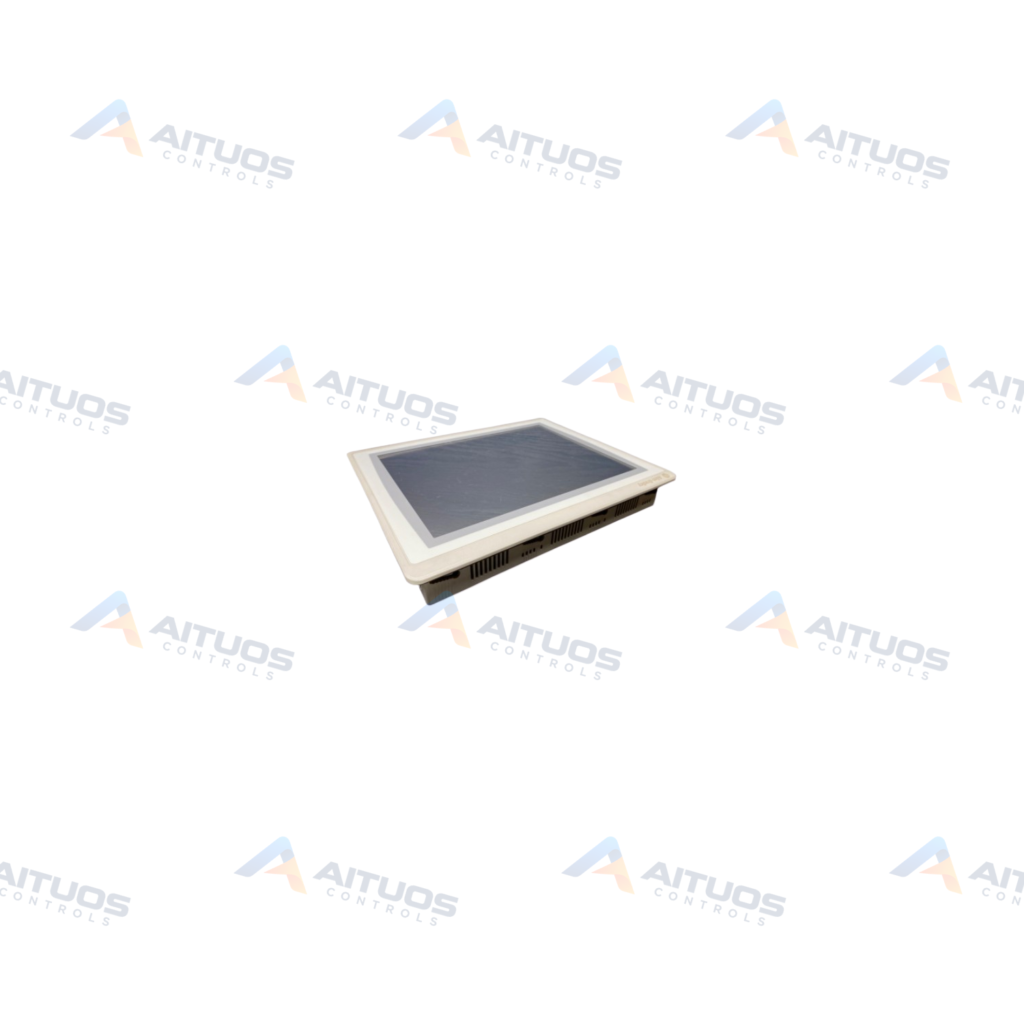
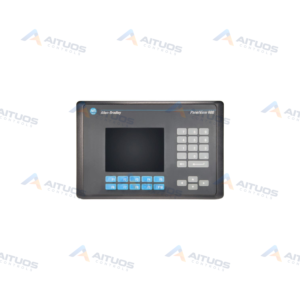
The Allen-Bradley 2711P-T15C22D8S/C is a PanelView operator terminal. This unit belongs to the PanelView Plus 7 operator interface family. It incorporates an integrated 15-inch touch screen display. The terminal provides visual process monitoring and operator interaction for industrial automation systems. Operators use the touch interface to navigate control screens and input commands directly. Plant personnel view live machine parameters and system status updates on the screen.
This operator terminal functions as a dedicated human-machine interface across automated facilities. The 15-inch display allows clear visualization of complex plant processes. The hardware mounts directly into control panels to support continuous industrial operations. Maintenance personnel interact with the touch screen to observe operational metrics. Production teams use the terminal to track manufacturing workflows. The device delivers consistent interface functionality within machine automation architectures.
TECHNICAL INFORMATION
Features
- Integrated 15-inch touch screen interface for process display and operator input.
- Belongs to the Allen-Bradley PanelView Plus 7 product line.
- Dedicated panel-mounted human-machine interface hardware architecture.
- Direct touch screen navigation for machine visualization and control screens.
TECHNICAL INFORMATION
Applications
- Industrial machine automation and manufacturing equipment control.
- Supervisory monitoring of production line operations.
- Panel-mounted operator interface stations on factory floors.
- Process status visualization and system interaction in plant environments.
TECHNICAL INFORMATION
Installation Guidelines
- Mount the operator terminal into a prepared panel cutout.
- Secure the housing using standard panel mounting clamps.
- Maintain adequate clearance around the terminal enclosure for ventilation.
- Ensure proper grounding of the enclosure before powering the unit.
- Route communication and power wiring away from high-noise electrical lines.
TECHNICAL INFORMATION
Configuration Guidelines
- Configure graphic runtime applications using compatible terminal design software.
- Set network communications to establish links with plant controllers.
- Calibrate the touch screen display during initial system commissioning.
- Assign operator security levels and display navigation menus as required.
- Verify data point addressing prior to deploying the terminal in production.
PART VERIFICATION
Before You Order
Industrial automation parts can share similar model names, suffixes and revisions. Confirm the complete manufacturer Part Number before purchase.
01Check Part NumberMatch the complete ordering code on the existing unit.
02Confirm RevisionCheck suffix, hardware or firmware when applicable.
03Send a Label PhotoWe can review a clear label photo when identification is uncertain.
ORDERING PROCESS
From RFQ to Dispatch
1Submit Part Number2Verify Product Identity3Confirm Stock & Condition4Issue Quotation5Dispatch & Tracking
PRODUCT FAQ
Frequently Asked Questions
What screen type does the 2711P-T15C22D8S/C feature?
The terminal features an integrated 15-inch touch screen display for graphical process monitoring.
Which product line includes the 2711P-T15C22D8S terminal?
This hardware is part of the Allen-Bradley PanelView Plus 7 operator terminal family.
How is this operator terminal mounted in industrial systems?
The unit is designed for panel mounting inside industrial enclosures or control cabinets.
What is the reference price for the 2711P-T15C22D8S/C?
Pricing varies by hardware condition and availability. Stated figures are indicative market reference pricing only and are not a final quotation.